
An AI powered Vanilla JS Experiment
Cards Against Developers
I had an idea: Could I prompt a various LLMs models to complete the full SDLC?
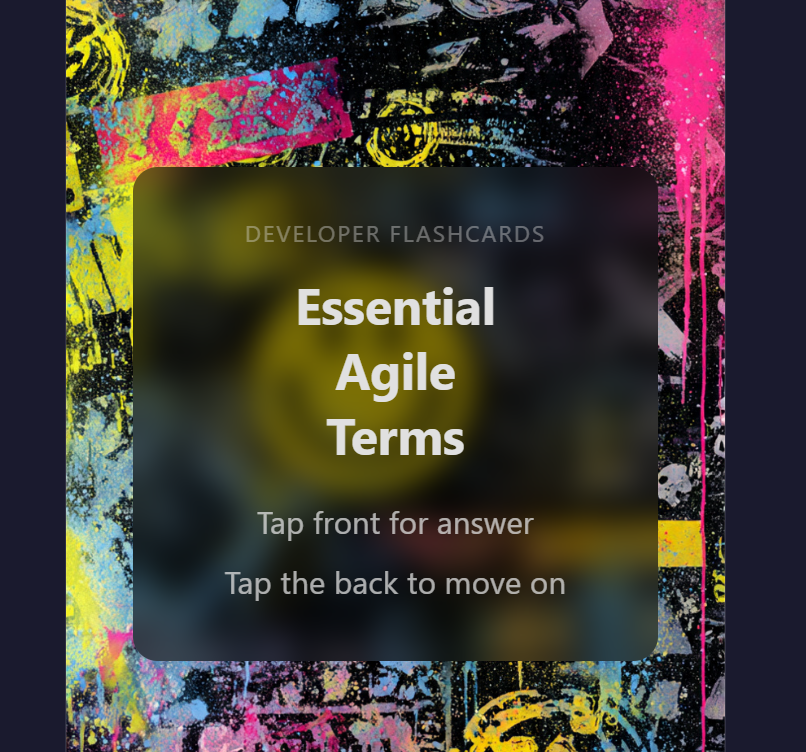
Maestro Revisited
A few years ago, I conducted Project Maestro where I used LLMs to theoretically design software. The technology has accelerated since, and software developers regularly use tools like Claude for coding, debugging and automated testing. It was time to revisit the idea.

CloudShock is my dev blog and personal project site. I constructed a team of knowledge workers as if it were a software development shop (my personal Contoso). A few LLM workers were given a persona, each with a different background and focus during the project. Others were simply prompted as “Help Desk” to assist with technical issues.
I started with product ideation, then planned architecture and finally built some code.
Project Ideation
My creative team was comprised of Grok designer “Chris” a 46-year-old former digital nomad, now San Jose‑based tech consultant. Chris was a sounding board for design ideas, helping me rubber duck🦆 my way through app layout, art development and copy.
Architectural conversations were held with a Grok technologist “Paul” who was a 51-year-old ex-raver based in Newcastle, doing low-key portfolio management and hacking terminals for fun. Paul helped me work through the logistics of defining a simplified strategy of Vanilla JS, dev tools, and deployment plan.
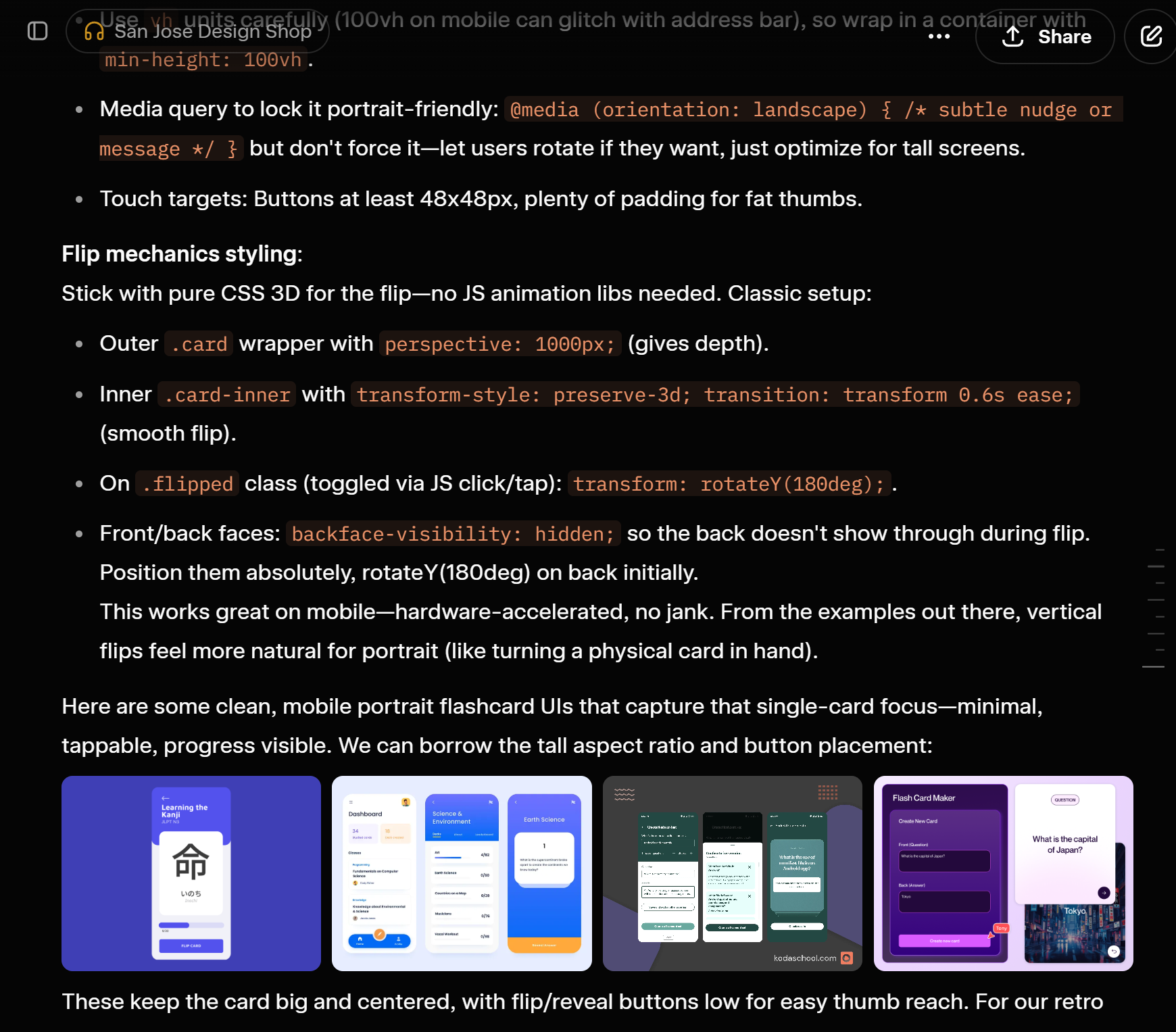
In both cases the Grok chats were very personable and would pitch ideas based on my questions and project docs. Neither hallucinated badly, but most of their “original” ideas were pretty derivative. To be expected from a tool trained on existing data.
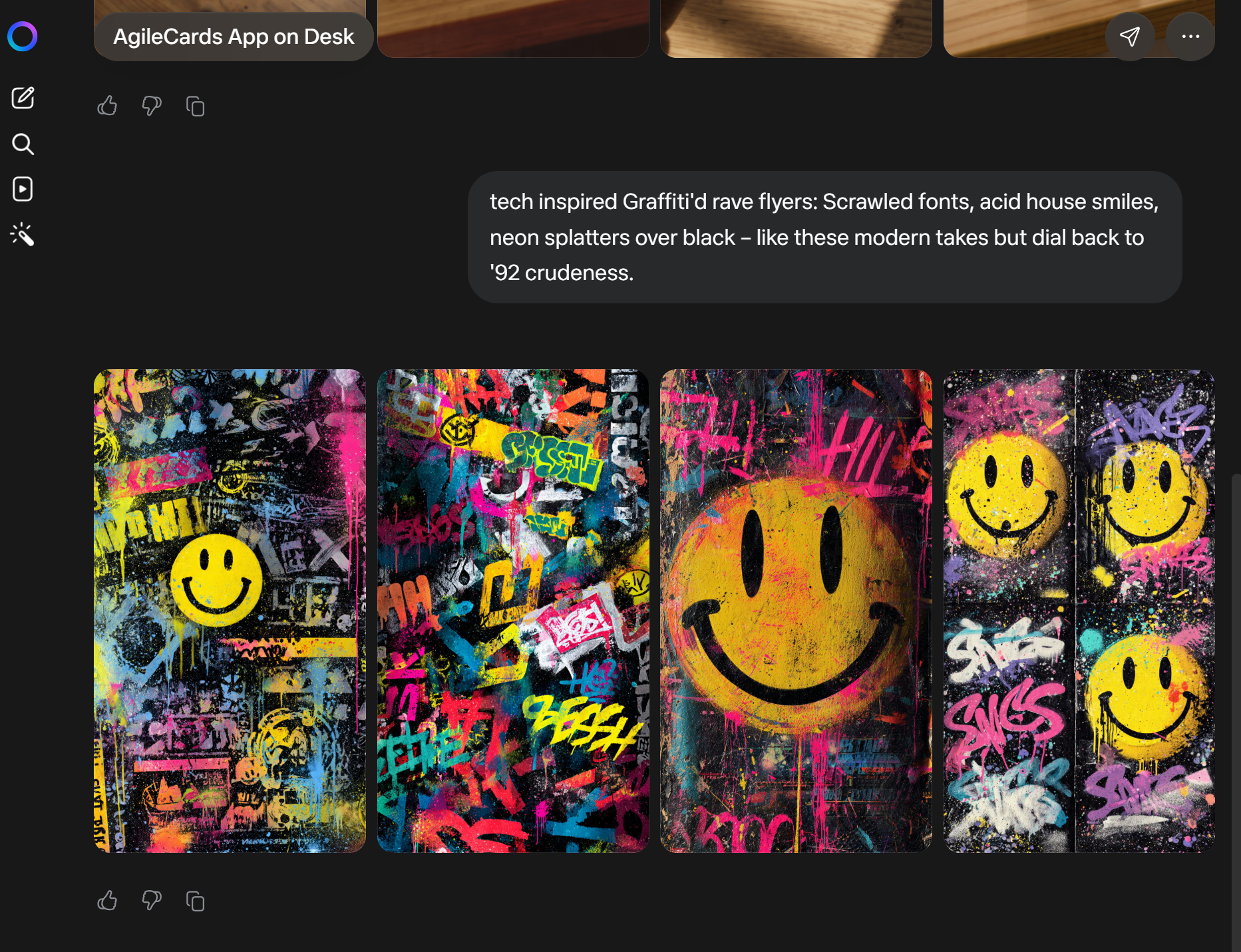
Fun Fact: Paul’s ex-raver past was the inspiration for the first card art design.
Artwork was handled by a very simple Meta AI prompt created by the Grok models and refined by human hands. The outcome was pretty amazing, and I was easily able to select several images that would work as the back and front of my card stack.
Project Management
For fun, I set up both a Notion site and a demo instance of Basecamp. I love Notion and use it daily, but I was new to Basecamp. I created the “Basecamp Help Desk” using the Sonar model. It was able to answer all of my questions and reference the latest data from 37signals’ web docs.
The Build
I decided to embrace the hacker ethos🧑💻 and build this project on Omarchy linux. I’ve run the OS for a few months and recently switched it to my default boot. As such I built the first prototype using Ruby on Rail with the assistance of my “Omarchy Help Desk” (Sonar) and “Ruby Helpdesk” (Claude Sonnet 4.6)
The catch? I don’t know how to code in Ruby. Not a single byte.
I prompted Ruby Helpdesk to help me set up and build the project while EXPLAINING everything to me in C# dotnet core terms. I would not say that this made me proficient in the language but helped me understand the code that was generated.
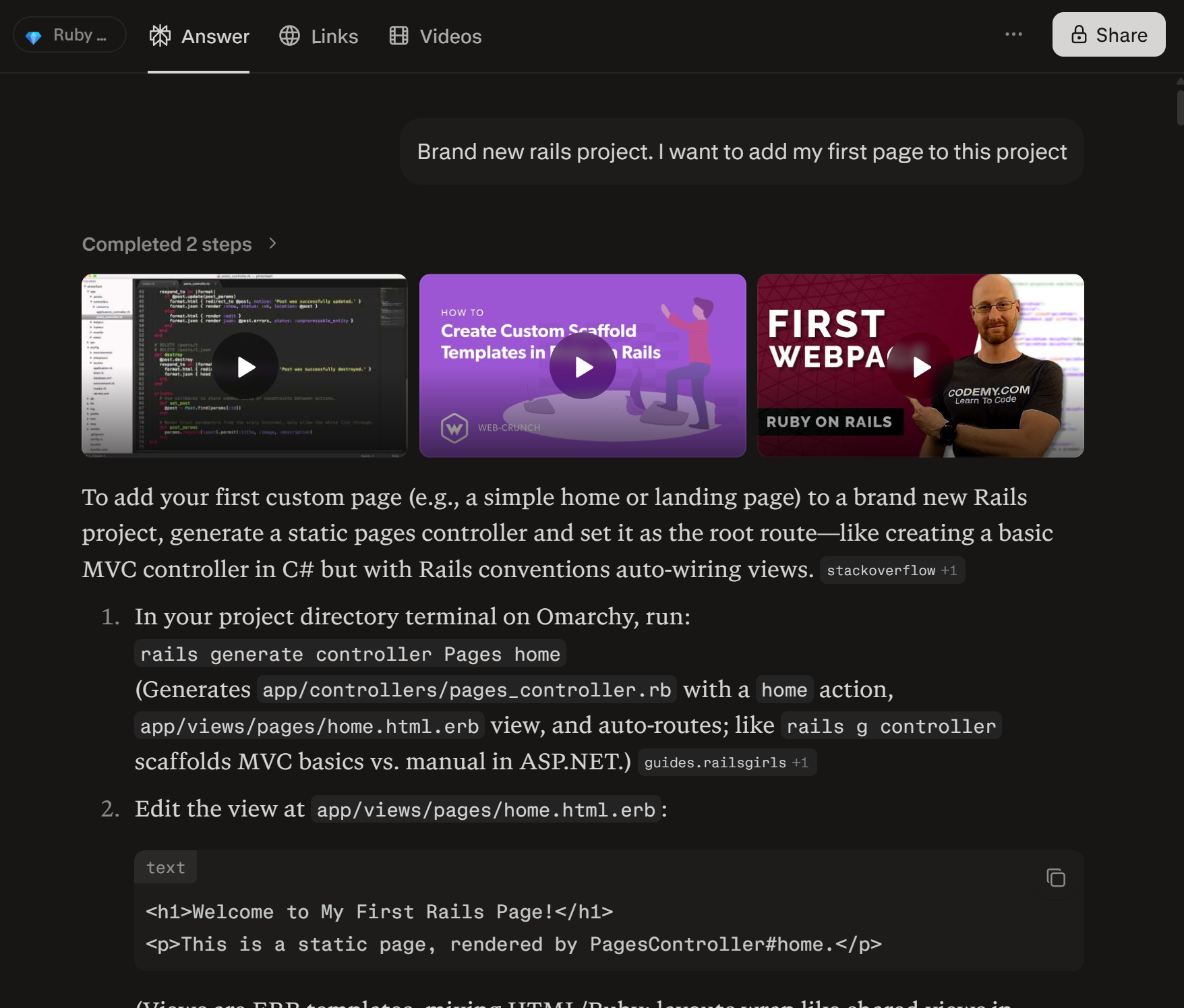
The Rails project looked nice but required hosting on Render which is limited at the free tier. This didn’t meet my acceptance criteria for the app, so a new plan was devised.
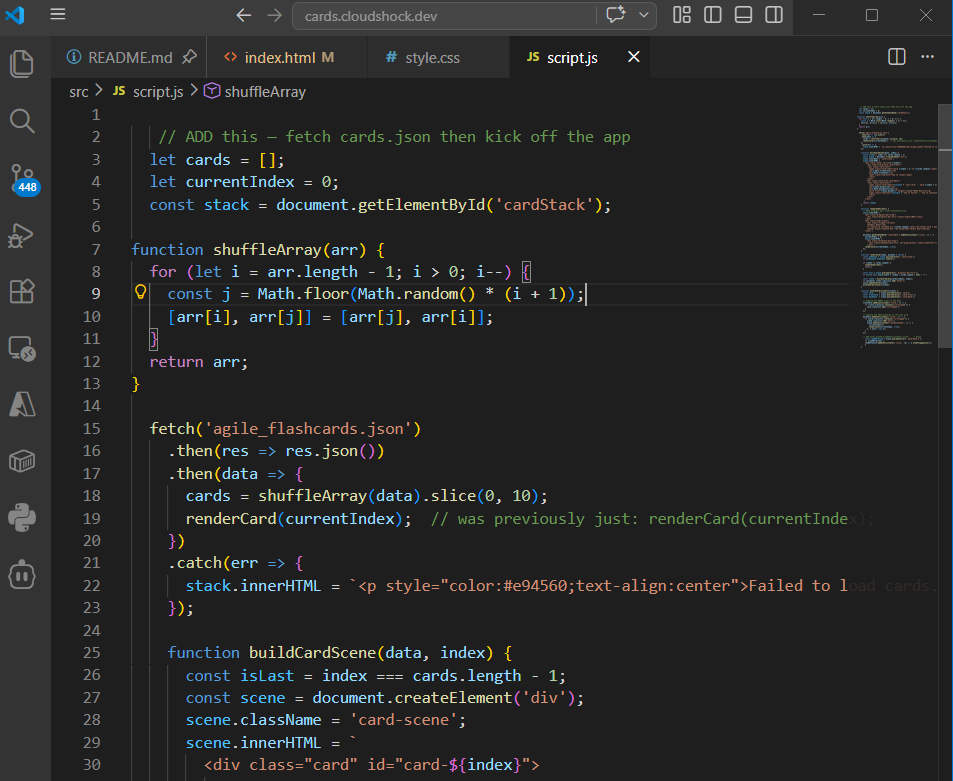
I pivoted to a purely W3C & ECMAScript standards based static webpage. HTML/CSS/JS HelpDesk (Claude Sonnet 4.6) was instrumental in scaffolding the app as a single document. I used this document as context in further conversations, including with my designer and architect to refine the look and feel of the site.
Later I split the site into three files and opted for a more modular design. I repeated this pattern with the CloudShock blog as I intended to reuse the core JS and CSS across several documents. During this process I also used my generic “Software Engineer” with Sonar for general tasks.
Going Live
To get the app live I once again relied on my generic “Software Engineer” to help me set up the AWS S3 + CloudFront infrastructure from scratch. I already host other sites, so I asked clarifying questions to resolve issues and eventually the the site was live. Aside from a few security related hiccups, no major blockers.
Project Documentation
After launching the site, it was time to build formal project documentation. My newly designed app looked amazing, but my old blog DID NOT. So, I returned to the well and redesigned my website with the same AI team.
Incorporating lessons learned from app development, I was able to quickly stand up a skeleton site. My goal was to push the Vanilla-JS stack to the limit and avoid libraries, packages, and anything that required backend infrastructure. Clean, simple and very Web 1.0
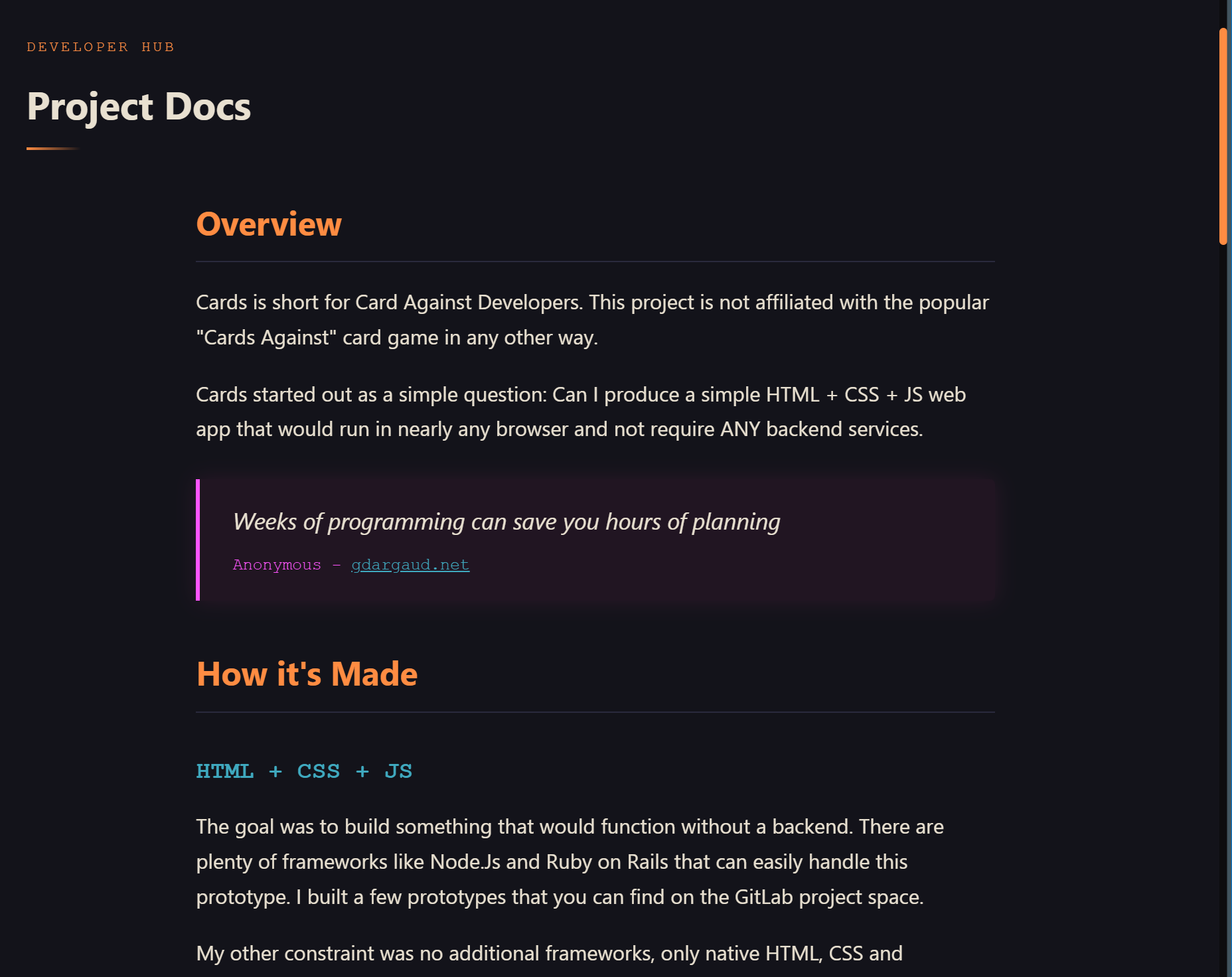
Aside from the joy of simply editing HTML to create a document, I rediscovered the joy of locally iterating on beautiful code using a simple OSS version of VSCode. Once the basic copy was ready, the site went live with the push of a bash script. No trackers (except gtag.js), no cookies, no code obfuscation or minimization (Hit F12 ).
The front-page weighs in a at whopping 37.4 KB and sits behind a CDN. PageSpeed ranks performance at ~ 70. Not terrible for content with 0% optimization. SEO, Accessibility and Best Practices were all above 90.
Lessons Learned
- Using agents would speed up the code iteration. I’ve had a lot of luck with Claude in Visual Studio in my professional life
- OpenRouter is a great option if you want to quickly switch models in your IDE
- Cline is another option (haven’t used)
- W3C & ECMAScript browser compliance has dramatically improved
- Quality of LLM responses depends heavily on prompting and providing the correct context
Other Take Aways
While this was an extremely simple example, it is possible to augment an individual developer by setting up an array of AI tools. Back to my original Project Maestro thesis, every software engineer is an Editor-in-Chief. We orchestrate the AI, it augments us not replaces us.
Likewise, the consistent “doomerism” over the “Junior Dev On-Ramp” is a bit of an exaggeration. While these tools eliminate a lot of the boilerplate work typically completed by junior devs, it increases the speed at which they can skill up in new technologies and understand design patterns.
That’s all for now. If you’d like to check out the project, documentation, or other creations, see the links below.
- https://cards.cloudshock.dev/
- https://cloudshock.dev/cards/documentation/
- https://cloudshock.dev/maestro/
- https://gitlab.com/cloudshock/cardsprojects
Follow on Substack
If you like this sort of content consider a free subscription to Brain Notes.
It is a very occasional newsletter about random AI use cases involving research and development.